Login
Login Page
Section titled “Login Page”Enter the username and password provided by the Administrator. Select Log In.
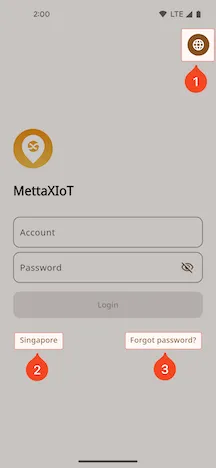
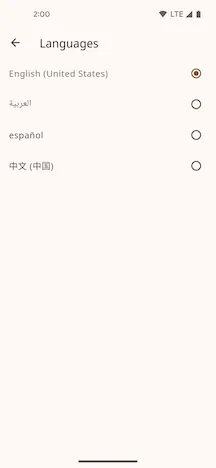
1. Language Selection
Section titled “1. Language Selection”Select a language.
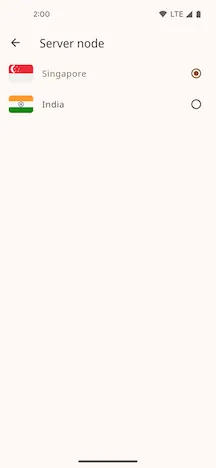
2. Select Node
Section titled “2. Select Node”Select the server node that contains your Customer account. Data is isolated between server nodes. The default node is Singapore.
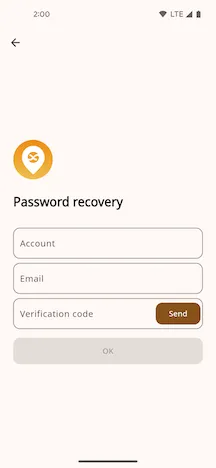
3. Forgot Password
Section titled “3. Forgot Password”Enter the email address registered for your account. Select Forgot Password. The Mobile App sends a new password to this email address.